How to Transform 2D Floor Plans into Stunning 3D Renders
Learn how AI-powered tools can turn simple floor plans into photorealistic 3D visualizations in seconds, revolutionizing the architectural design process.
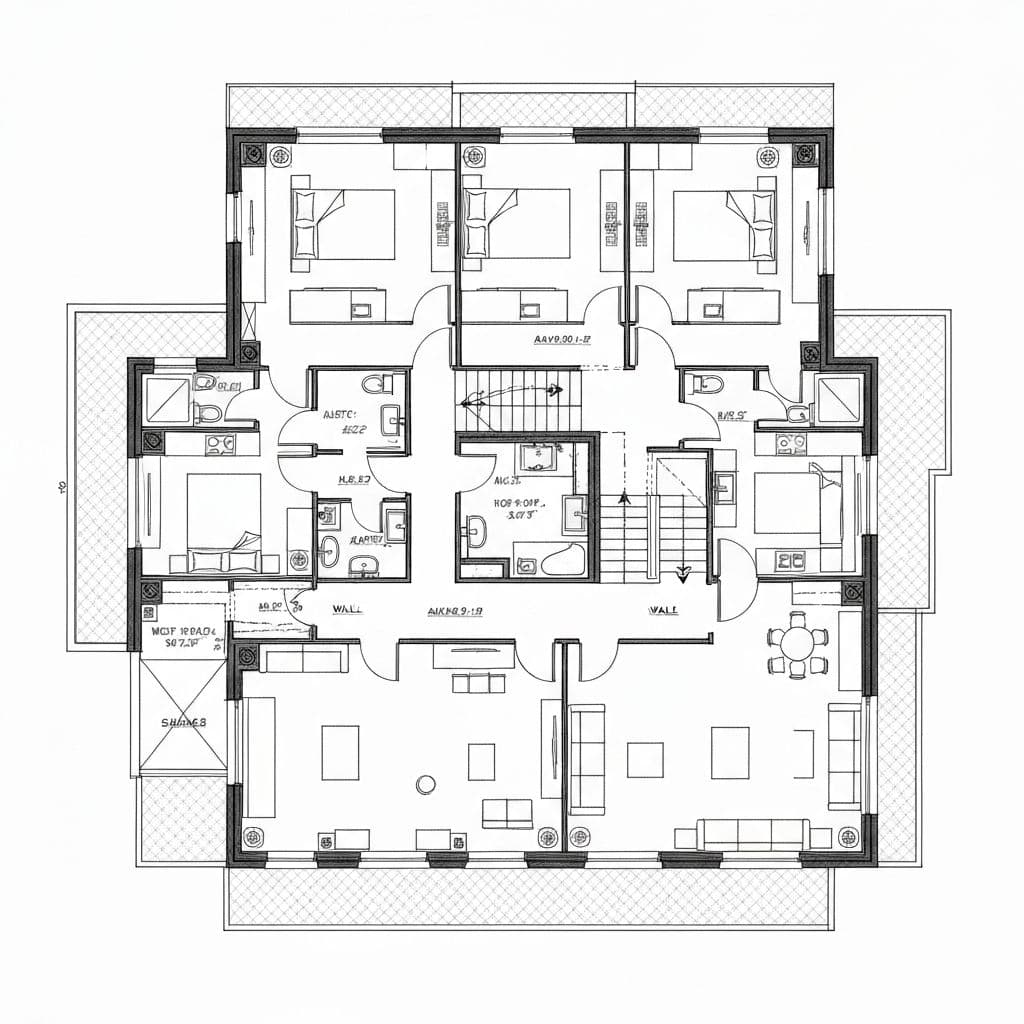
The gap between imagination and visualization has long been one of architecture's greatest challenges. While a skilled architect can see a complete building in a simple floor plan, clients often struggle to envision the final result. This disconnect has historically led to misunderstandings, costly revisions, and disappointed expectations.
The Traditional Approach
Traditionally, transforming a 2D floor plan into a 3D render required:
- Specialized software expertise in tools like 3ds Max, SketchUp, or Blender
- Hours or days of manual modeling to create the basic structure
- Additional time for texturing, lighting, and materials
- Expensive rendering hardware or cloud computing costs
- Post-processing in Photoshop or similar tools
For a single high-quality render, professionals might spend anywhere from 4 to 40 hours, depending on complexity.
The AI Revolution
Modern AI-powered tools like Planua are changing this paradigm entirely. By leveraging advanced machine learning models trained on millions of architectural images, these tools can:
- Analyze floor plan layouts automatically
- Infer spatial relationships and room purposes
- Generate photorealistic visualizations in under a minute
- Apply professional lighting and materials without manual input
Best Practices for Great Results
To get the most out of AI rendering tools, follow these guidelines:
1. Use Clean, Clear Floor Plans
- Ensure walls are clearly defined
- Label rooms if possible
- Include dimension annotations
- Use consistent line weights
2. Choose the Right Style
Different projects call for different aesthetics:
- Modern Minimalist for contemporary homes
- Scandinavian for cozy, light-filled spaces
- Industrial for lofts and converted spaces
- Traditional for classic architectural styles
3. Iterate Quickly
The beauty of AI rendering is speed. Don't hesitate to:
- Try multiple style variations
- Experiment with different lighting conditions
- Generate day and night versions
- Test various color palettes
The Future of Architectural Visualization
As AI models continue to improve, we can expect:
- Real-time style changes as you draw
- Automatic furniture placement optimization
- Integration with VR for immersive walkthroughs
- Client collaboration tools built directly into the workflow
The transformation of floor plans into 3D renders is just the beginning. The tools are evolving to become true design partners, offering suggestions and alternatives that architects might not have considered.
If your workflow starts from empty room photos rather than plans, explore Planua's virtual staging workflow.
Ready to try it yourself? Sign up for Planua and test the workflow on a real property image.
Try It On A Real Listing
Ready to turn empty room photos into listing-ready interiors?
Use this topic on a real listing and see how Planua fits your virtual staging workflow.
Keep Reading
Related virtual staging guides
Planua product update
Planua Product Update: Faster Staging and Stronger Room Fidelity
A look at Planua's latest virtual staging improvements, from stronger room preservation and guided projects to batch staging, review, and export.
Virtual Staging AI alternatives
Virtual Staging AI Alternatives for Real Estate Teams
Compare Virtual Staging AI alternatives by structural fidelity, review effort, pricing fit, and readiness for repeatable real estate listing work.
virtual staging software reddit reviews
Virtual Staging Software Reddit Reviews: What Agents and Photographers Say
A transparent analysis of Reddit discussions about virtual staging software, covering room accuracy, realism, consistency, pricing, review, and disclosure.