Queue a multi-room photo set
Start from a full listing set instead of handling each room as a separate manual project.
Bulk workflow
Planua helps teams run bulk virtual staging across multi-room photo sets, so agencies can move faster without losing review control or property-level consistency.
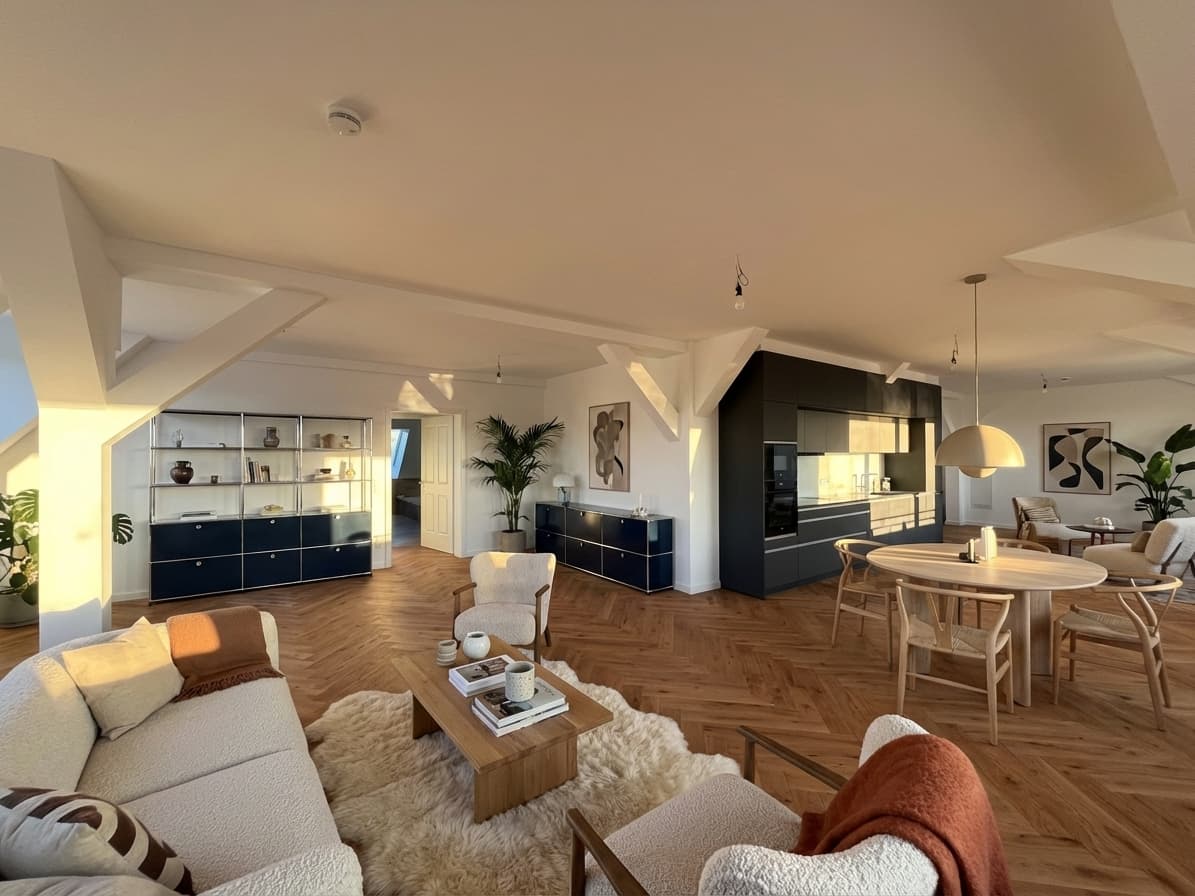
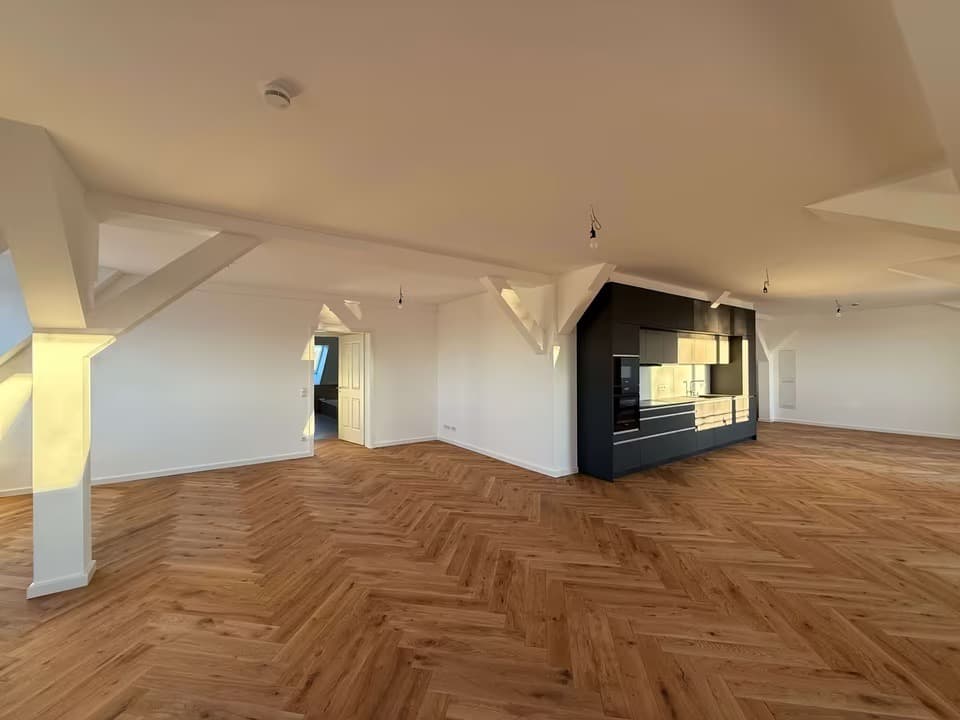
Swipe to compare before and after
Proof asset
The value is not just faster generation. Bulk virtual staging helps teams move multiple room photos through the same staging system and keep the workflow manageable across real listings.
Problem
High-volume agencies need faster turnaround across multiple photos, rooms, and vacancies.
One-by-one staging creates bottlenecks when more than one property is moving at once.
Teams still need usable direction and believable output, even when speed matters.
Agency buyers need to know when bulk staging belongs on a paid plan instead of a one-off free test.
Workflow
Start from a full listing set instead of handling each room as a separate manual project.
Keep the overall style, buyer profile, and commercial tone aligned across the property set.
Use refinement only where specific rooms need extra work instead of slowing down the whole batch.
Feature fit
Use supported paid plans to move through larger room sets without restarting the staging process image by image.
Keep multiple rooms feeling coherent instead of looking like unrelated experiments.
Start with free drafts, then use Pro Studio or Agency once staging volume becomes routine.
Pricing cue
Free drafts are good for testing, but bulk virtual staging becomes much more practical once teams move into Pro Studio or Agency usage for repeated listing volume.
View pricing structureFAQ
No. Bulk virtual staging is positioned as a paid capability for teams whose staging workflow is already becoming operational.
Yes. Supported paid plans let teams process multi-room photo sets in a shared batch workflow.
No. The goal is a coherent direction across the property while still allowing room-specific variation and refinement.
Agencies with repeated vacancy marketing, multi-room apartment listings, or higher listing throughput benefit the most.
Yes. Use a free signup to test one or two rooms, then move to bulk when the team trusts the output and needs speed across listings.
Related resources
Review the single-listing photo process before scaling staging across rooms.
See how to queue multiple rooms and keep the output commercially usable.
Connect bulk staging decisions to the day-to-day needs of listing teams.
Review the core upload, direction, generate, and refine flow before scaling up.
Use software selection criteria before choosing a bulk-capable workflow.
Test a few real room photos, then evaluate whether Planua can compress the time your team spends moving staged listing sets into review.