Upload real listing photos
Start from the actual empty room images your team already uses for the listing, then decide which photos deserve staged variants.
Agency-ready virtual staging software
Planua helps real estate teams turn empty room photos into believable staged interiors with buyer-fit direction, review-friendly controls, cost-aware plan paths, bulk workflows, and a free signup path for testing live listings.
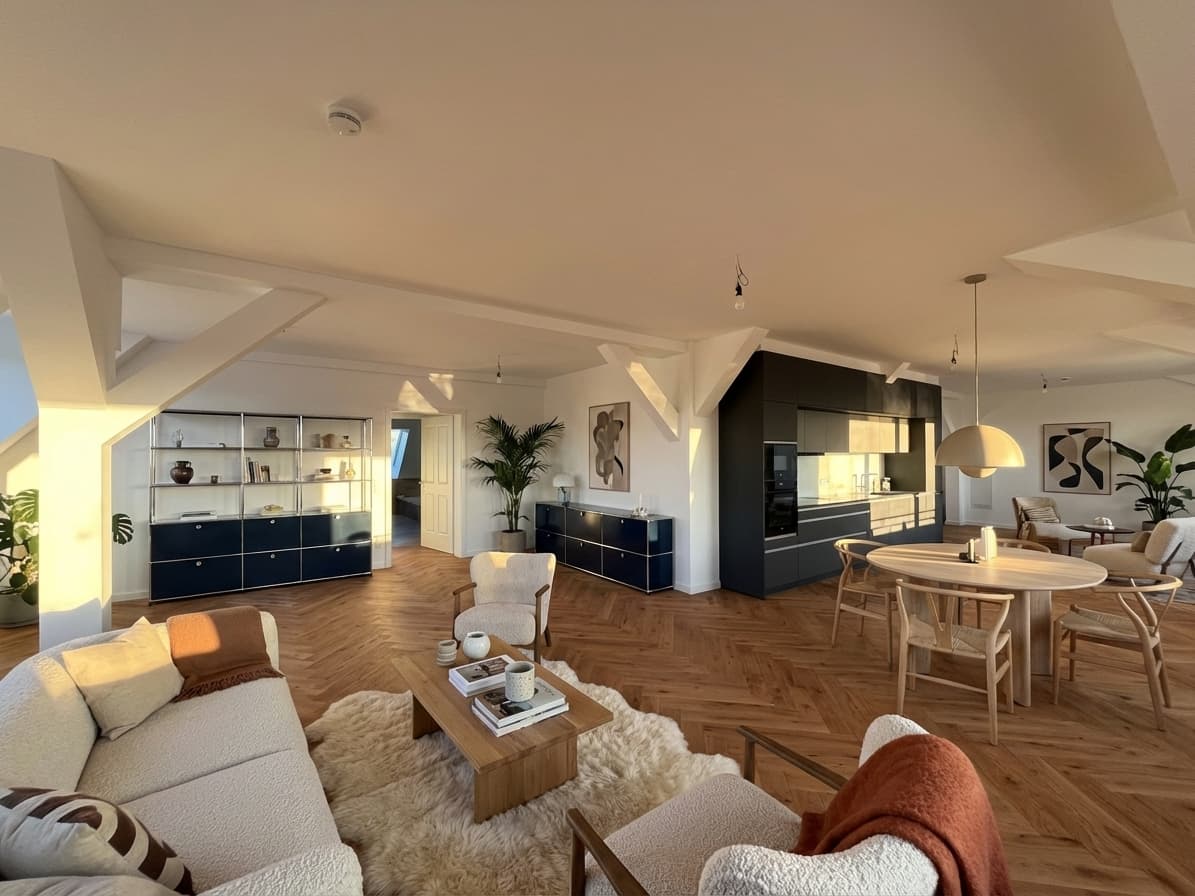
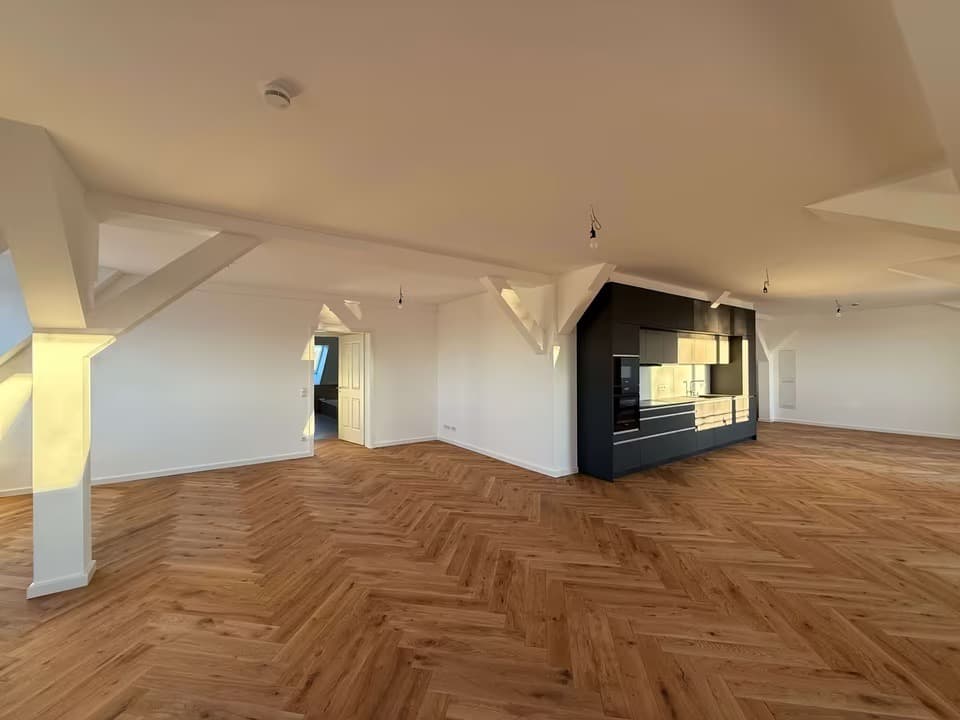
Swipe to compare before and after
Proof asset
Planua is built around real empty-room photos, believable framing, team review, and staged outputs that help agencies market listings more clearly before the first viewing.
Problem
Empty real estate photos feel cold online and make it harder for buyers to imagine scale, lifestyle, and room purpose.
Traditional staging and manual rendering take time, coordination, and budget that not every listing can absorb.
Generic AI image tools rarely preserve room framing or produce commercially useful interiors on the first pass.
Agencies need repeatable staging across listing photos, reviewers, and room sets instead of isolated prompt experiments.
Workflow
Start from the actual empty room images your team already uses for the listing, then decide which photos deserve staged variants.
Guide the result with buyer profile, market tier, furnishing density, brands, and exact hero pieces.
Create free drafts for a real listing, review the staged photo against the source image, then move into bulk workflows when volume grows.
Feature fit
Keep original framing and room geometry close enough to support real listing use and buyer trust.
Use brands, buyer fit, mood, density, and refinement controls instead of vague one-line prompts.
Move from low-risk free drafts to cleaner exports, bulk virtual staging, and team plans as listing volume grows.
Compare one-photo tests, recurring listing volume, and plan allowances before treating staging as a repeatable software workflow.
Pricing cue
Planua starts with free drafts for testing a real listing and grows into 4K output, bulk virtual staging workflows, and team-oriented plans once agency volume and client requirements increase.
View pricing structureFAQ
It supports both, but the strongest fit is agencies that need consistent virtual staging software across repeated listings, vacancies, or portfolio work.
Yes. Planua is designed as structured virtual staging software with controls for buyer fit, brands, hero pieces, mood, furnishing density, and refinement actions.
Yes. Supported paid plans are built for higher listing volume and bulk workflows once staging becomes part of a repeatable agency process.
Yes. Planua starts from real listing photos, so teams can stage empty rooms, review the result against the source image, and decide whether the workflow should expand to more rooms or listings.
Related resources
Use a practical workflow for turning empty listing photos into reviewed staging assets.
Compare the criteria agencies should use before choosing a staging platform.
Compare per-photo pricing, software subscriptions, free testing, and team-scale staging costs.
Package virtual staging around real listing photos, client review, and broker-ready delivery.
Use a sharper buying checklist before you commit to a workflow or plan.
Compare public pricing, controls, iteration, output, and team workflow side by side.
Review disclosure and compliance habits before staged images go live.
Upload one empty room, generate a draft, and see whether the workflow fits your agency before you commit to a paid plan.