Upload the actual vacant-unit photos
Start from the real empty apartment images your team already plans to use in the listing.
Vacant apartment staging
Planua helps agencies, leasing teams, and realtors turn vacant apartment photos into warmer, easier-to-read listing images with buyer-fit direction, free drafts, and workflows that can repeat across units.
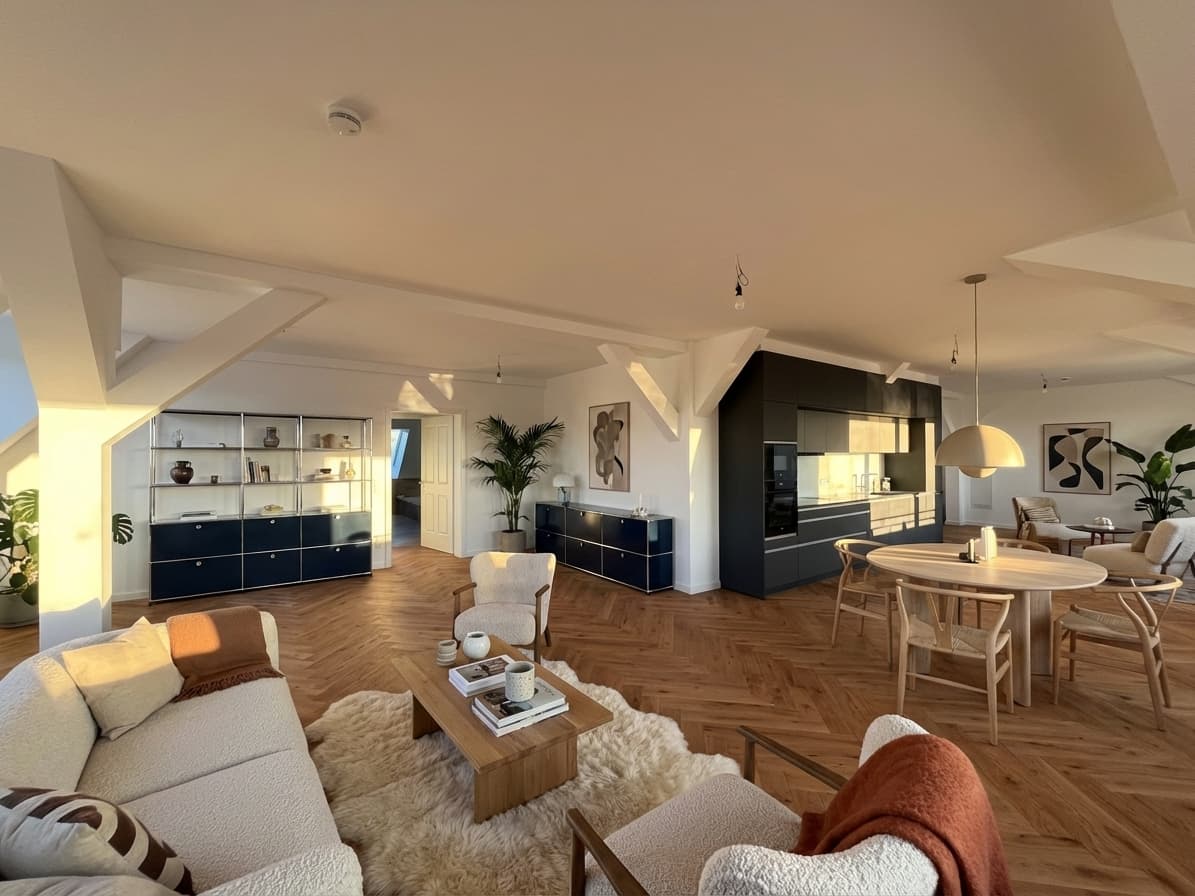
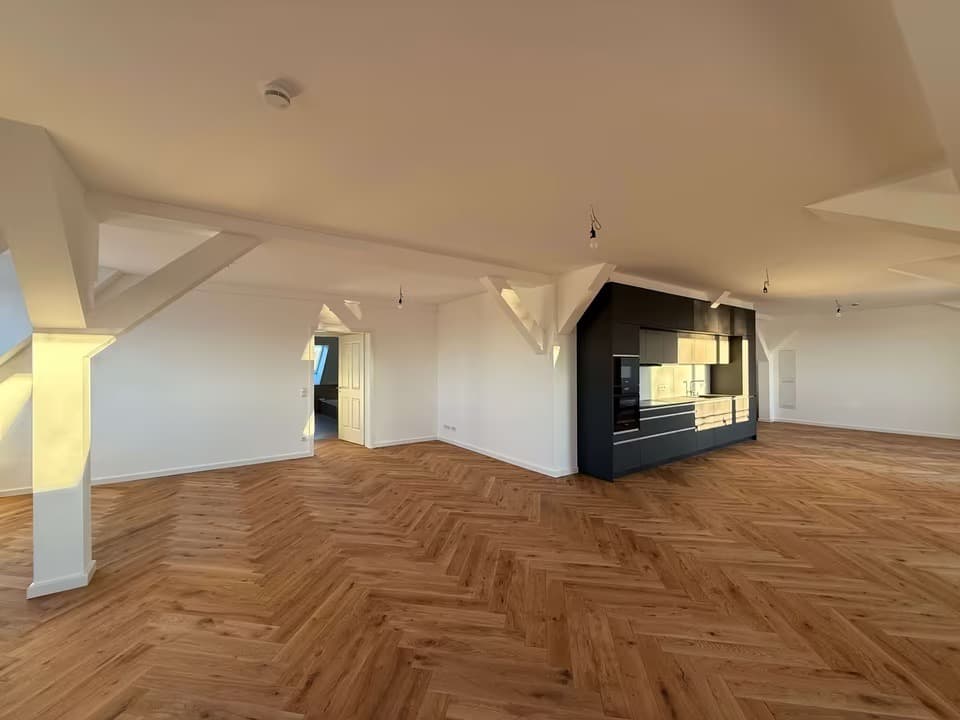
Swipe to compare before and after
Proof asset
Without furniture, vacant units can look smaller, colder, or harder to interpret online. Virtual staging for empty apartments closes that imagination gap without requiring full physical staging for every vacancy.
Problem
Vacant rooms rarely communicate purpose, scale, or circulation as clearly as furnished spaces.
The same apartment can look strong in person but emotionally flat in listing photos.
Leasing and sales teams need a faster path from empty unit photos to credible visual context.
Agencies need a repeatable workflow that works for one vacancy today and a larger apartment portfolio next month.
Workflow
Start from the real empty apartment images your team already plans to use in the listing.
Define buyer or renter fit, furnishing density, style, and budget level based on the apartment and local market.
Test one real empty apartment photo for free, keep the strongest option, and refine details where the room needs more clarity.
Feature fit
Help buyers understand how an empty room can actually function once furnished.
Keep the staging aligned with the apartment's likely buyer and price bracket.
Use the workflow again and again without treating each vacant unit like a custom rendering project.
Pricing cue
Free drafts make it easy to test virtual staging on one empty apartment photo. Paid plans make more sense once staging becomes part of recurring vacancy marketing, multi-room listing sets, or agency portfolio work.
View pricing structureFAQ
Yes. Completely empty or lightly furnished apartment photos usually give the cleanest starting point because the staging workflow can add clear room purpose without fighting clutter.
Yes. Planua is useful when a listing needs the living area, bedroom, or flexible second room staged together so the apartment feels easier to understand online.
Disclosure requirements vary by MLS, brokerage, and platform. Teams should review local rules and use clear labels or listing notes wherever virtual staging needs to be disclosed.
Yes. Start with a free draft on one vacancy, then move into paid or bulk workflows when multiple units need the same process.
Related resources
Use practical styling directions for vacant apartment listings.
Use a practical workflow for turning vacant-unit photos into clearer listing assets.
Improve the source photos before you stage them for marketing.
Keep the marketing upside while staying clearer about virtual edits.
See when AI staging fits listing workflows and when a team needs more control.
Upload one vacant-unit image, generate a free draft, and see whether Planua makes the listing easier to understand before you scale the workflow.